guide
Getting Started
Learn the requirements and how to get started
Before starting, you have two pathways you can follow:
- Design your own custom project related to FM radio
- Follow the guide and design a radio with parts provided in the kit
If you’re new to hardware, I would highly recommend following the guide to make your first project. If you’re more experienced or want to experiment with stuff, you can make things like FM transmitter dongles, FM receiver dongles, or random cool stuff like an FM alarm clock, a band scanner, or a radio with an RDS text display. An example of a custom project would be this one: https://github.com/Outdatedcandy92/FM-Transmitter
Kit pathway
If you’re using the kit, you can use the following parts:
- 1 x Seeed Studio Xiao RP2040
- 2 x RDA5807 Module
- 2 x 10K WH148 Dual Gang Potentiometer
- 2 x 12mm Momentary Push Button
- 2 x Audio Jack
- 2 x 30mm Speakers
- 2 x TDA2822 Amplifiers
- 1 x 3.5mm Antenna
- 10 x 5mm LEDs
- 10 x M2.5 Screws
- 10 x M2.5 Heat Inserts, OD 3.5mm
- 10 x 100uF Capacitors
- 10 x 10K Resistors
Footprints and symbols for these can be found on github.com/Outdatedcandy92/Static-KiCAD-Library
Custom Pathway
For the custom pathway, you’re free to use whatever components you want, but there are tiers based on the quality of your submission.
Tier 1: $50
Simple projects like a basic FM receiver or speakers.
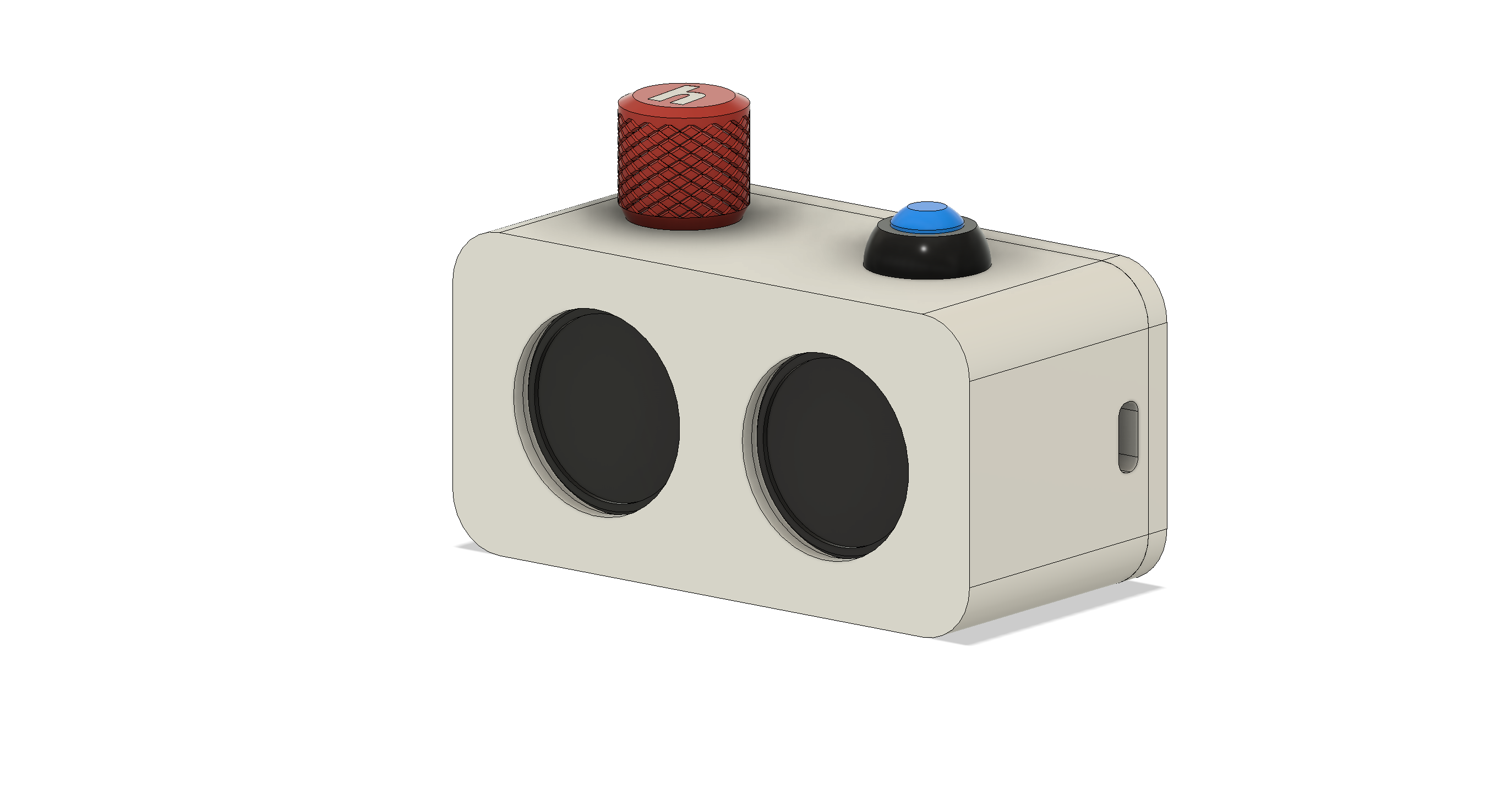
Tier 2: $100
Complex and polished projects, like this FM radio transmitter: https://github.com/Outdatedcandy92/FM-Transmitter
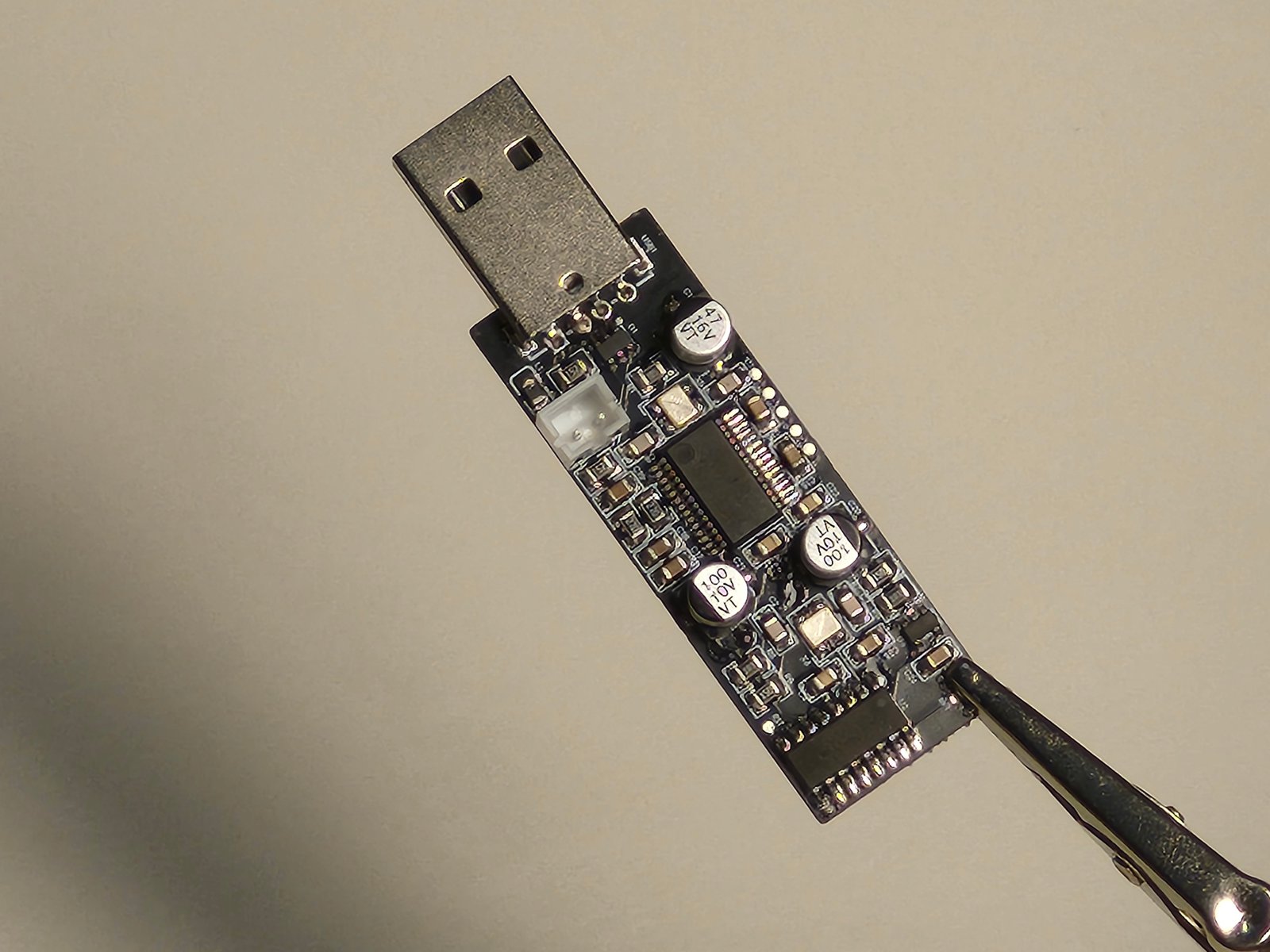
If you’re unsure what tier your project would fall into, just drop a message in #static!
Time Tracking
You have the option to either use Lapse or journal your progress. I would suggest using Lapse if you don’t like writing. But if you’re interested in journalling, please read the Journalling guide. Low quality journal entries will not be accepted as a valid submission.